



Ever thought about planning out every potential hiccup before it even shows up? Think of a risk register as your smart game plan for handling unexpected bumps, kind of like measuring out all your ingredients before you start cooking your favorite meal. This tool lets you spot little problems early and rank them so your team can decide which issues need extra care. In this chat, we'll explore how keeping tabs on risks can totally change the way you manage projects and keep things running smoothly.
Risk Register Fundamentals: Definition, Purpose & Importance
A risk register is a handy tool for planning projects. It helps teams spot, record, and monitor any issues that might affect the outcome. Typically, it comes as a simple chart where you list each risk with a short description, how important it is, its potential impact, and how likely it is to happen. Imagine you’re organizing a community event and see that a supply delivery might be delayed. A risk register would highlight that problem right away.
Its main job is to capture and rank risks, whether they could slow you down or even bring some benefits. Think of it like preparing for a meal by gathering and measuring all your ingredients first. By writing down every risk clearly, the team can decide which ones deserve more attention and plan practical ways to handle them.
The risk register is also a key communication tool. It makes sure everyone involved understands which risks need monitoring and at what time. Regular updates keep everyone informed and ready to adjust plans, helping to prevent small issues from growing into bigger problems.
Key Components of a Risk Register Structure
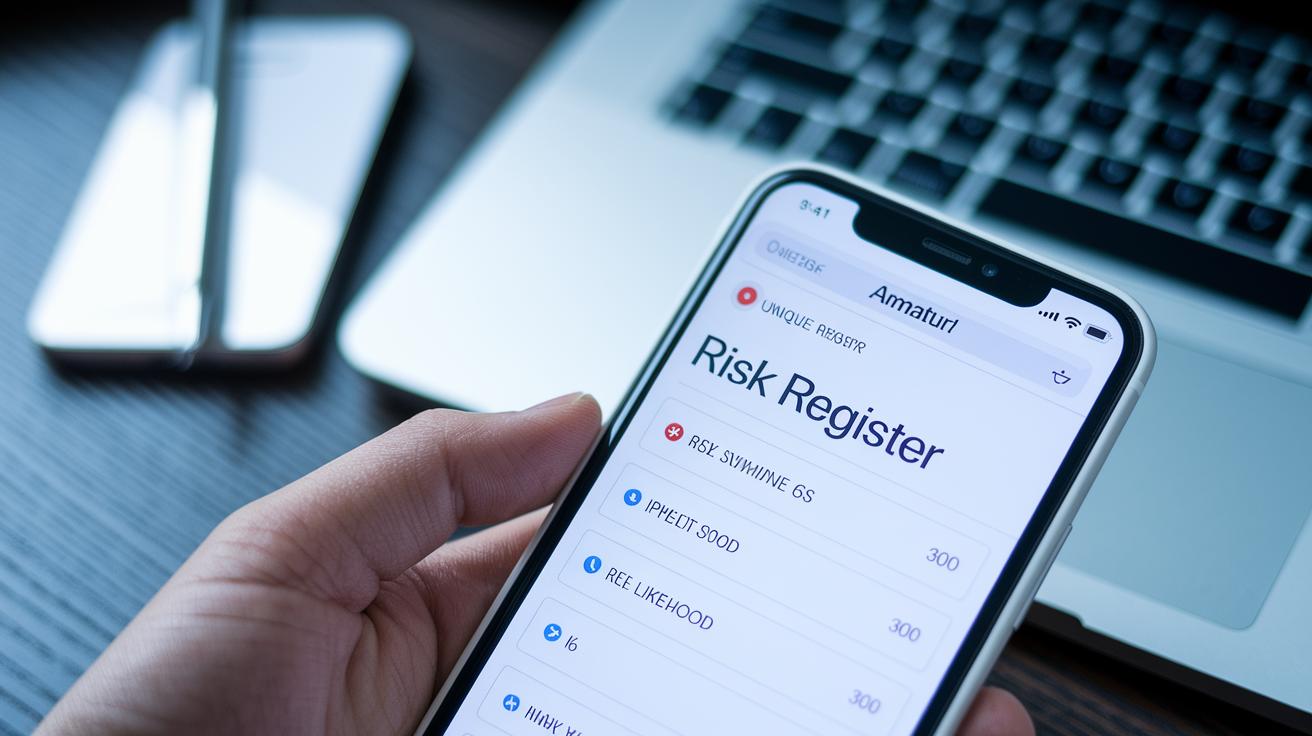
Imagine having a roadmap that lays out every possible hiccup in your project. A good risk register does just that. It uses clear fields to note down every risk detail so nothing gets missed. This plan helps everyone understand what might go wrong and how to be ready for it.
Here are the basic fields every risk register should include:
- Unique risk ID
- Detailed risk description
- Risk category
- Likelihood and impact ratings
- Priority level (high, medium, or low)
- Planned response strategy
- Assigned risk owner
- Status and review date fields
Each field is like a puzzle piece that forms the full picture of your project’s risk. When these pieces fit together neatly, team members can spot high-priority risks fast and know exactly what actions to take. Think of it like checking off items on a grocery list, you know what you have, what you need, and what to do next.
Keeping this register updated is key. Regularly refreshing the entries means the register stays current with any shifts in risk. It’s a smart way to stay ahead, ensuring that every risk is tracked and managed before it turns into a bigger problem.
Step-by-Step Guide to Creating a Risk Register
Building a risk register is like drawing a clear map for possible bumps along your project’s journey. You begin by gathering all the potential problems, then follow a seven-step process to create a document that grows and adapts with your project. This practical guide lets you list risks in detail, gauge how each one might hit your project, and plan specific responses. For instance, instead of saying “bad weather” you might note “monsoon season in India could cause shipping delays.”
Step 1: Identify Potential Risks
Kick off by brainstorming any issues that might derail your project. Consider every setback, from supply chain problems to sudden staff shortages. This step makes sure nothing slips through the cracks.
Step 2: Describe and Categorize Risks
Next, clearly describe each risk and sort them into groups, like operational, financial, or technological. This helps everyone on your team understand exactly what each issue is and why it matters.
Step 3: Assess Likelihood and Impact
Now, think about how likely each risk is to happen and how hard it could hit your project. Use simple terms or even score them on a scale to figure out which ones could be most disruptive. It’s a bit like checking the weather forecast before heading out.
Step 4: Develop Response Strategies
For every risk, come up with a plan to reduce the damage or even turn the situation around. For example, plan how to switch to a backup supplier if your main one fails. This proactive approach gives you a safety net.
Step 5: Assign Risk Owners
Decide who on your team will keep an eye on each risk. When someone is clearly in charge, you know there’s always an extra set of eyes ready to act if things go sideways.
Step 6: Prioritize Risks
Rank the risks based on how likely they are and the impact they might have. This ranking helps you focus on the issues that need your immediate attention while keeping an eye on the others.
Step 7: Monitor and Update Register
Finally, make it a habit to check and update your risk register regularly. As your project changes, so should your strategies. This is an ongoing process, ensuring your register stays a useful tool through every twist and turn.
Sample Risk Register Templates and Examples

There are many ways to set up a risk register so it fits your project just right. Some teams like using Excel because its built-in formulas let you quickly score risks by impact and chance. Others opt for Word documents, where they can write a little story about each risk to explain what’s going on. And some people even go for PDF versions to keep everything neat and uniform. Imagine a risk register where colors show high, medium, and low risks, or where you can add extra fields for specific risk categories. These templates make it easier for teams to spot risks fast and keep up with any changes.
Take a "Website Redesign for Global Client" project as an example. In that project, the team set up a risk register to list potential issues, update their status, and keep track of review cycles. The register pointed out problems like design approval delays or technical glitches with interactive features. This setup gave everyone quick access to the important details so they could respond in a hurry.
| Template Format | Key Features | Ideal Use Case |
|---|---|---|
| Excel Spreadsheet | Built-in formulas for scoring and color-coding for priorities | Perfect for projects that need numbers and quick comparisons |
| Word Document | Story-like entries that dive into the risk details | Great for projects that need clear, flexible explanations |
| PDF Example | Clean layout with a fixed design | Best for projects that demand formal, verified documentation |
Best Practices for Maintaining and Updating a Risk Register
Regularly checking your risk register keeps it both clear and trustworthy. If you skip updates, even small risks might go unnoticed. Sometimes, teams overlook minor issues or write vague descriptions that confuse everyone. And when risks aren’t checked for how they affect each other, problems can pile up. That’s why keeping a close eye on your register matters.
Set a regular schedule to review the register and invite everyone involved in the project to take part. Meeting periodically gives team members a chance to share their insights and update each risk’s status. Using clear categories helps everyone quickly see if a risk is still active, under review, or resolved. This team effort keeps the register up to date and easy to understand.
When a risk is no longer a threat, mark it as closed. Clear, precise notes in every entry avoid mix-ups and help maintain accurate records. This simple habit strengthens your overall risk management, ensuring that only the issues you can act on remain visible.
risk register: Smart blueprint for risk management

Have you ever noticed how printed spreadsheets quickly become outdated, while digital risk registers keep pace with project changes? Traditional paper formats often lose their accuracy as projects evolve. With online tools, team members can update risk details instantly. Whether it's a small delay or a major shift in project tasks, every change shows up right away.
Modern project management tools offer custom fields and easy-to-read dashboards that work smoothly with other task workflows. This makes the whole process feel more agile. Fun fact: before email, project updates were shared manually, which often led to mix-ups and late responses.
Digital platforms not only improve teamwork but also speed up decision-making. They let you attach documents so all related information stays in one place. Plus, automated alerts remind team members about upcoming review dates. When project plans change, the risk registers update immediately thanks to built-in change management features.
At the end of the day, clear dashboards give you a quick look at the risk status, helping teams spot issues and act quickly. These smart blueprints turn managing project risk from a tedious task into a flexible, ever-changing process.
Final Words
In the action, our post explained risk register fundamentals from its definition to best practices for consistent updates. We broke down key components, guided you through creation steps, and showcased sample templates. Each segment offers practical insights and actionable advice. Regular reviews keep the risk register dynamic and effective. Enjoy applying these insights to boost your ability to make smart, strategic financial decisions with confidence.
FAQ
What is in a risk register?
The risk register includes detailed entries like risk IDs, descriptions, likelihood scores, impact ratings, and response plans that help track and manage potential issues in projects or overall risk management.
What is the difference between risk assessment and a risk register?
The risk assessment identifies and evaluates potential threats, while the risk register documents these threats with specific details, enabling teams to monitor and manage risks effectively.
What is the risk register for PMP?
The risk register for PMP serves as a core project management tool that logs risks, categorizes them, assigns ownership, and tracks mitigation efforts to support project success.
What are the benefits of a risk register?
The risk register offers clear communication, prioritization of issues, and proactive mitigation, helping teams stay prepared for unforeseen challenges and making risk management more systematic.
Where can I find risk register templates?
The risk register templates are available in various formats like Excel, Word, and PDF, providing a ready-to-use framework to document and track risks efficiently across projects.
Can you provide a risk register example?
A risk register example may showcase a table listing risks with IDs, detailed descriptions, assigned owners, likelihood ratings, impact levels, and response strategies to illustrate effective risk management.
What risk register software is available?
Risk register software offers digital tools that allow real-time collaboration, automated alerts for review dates, integration with project dashboards, and streamlined updates to keep risk management dynamic.