
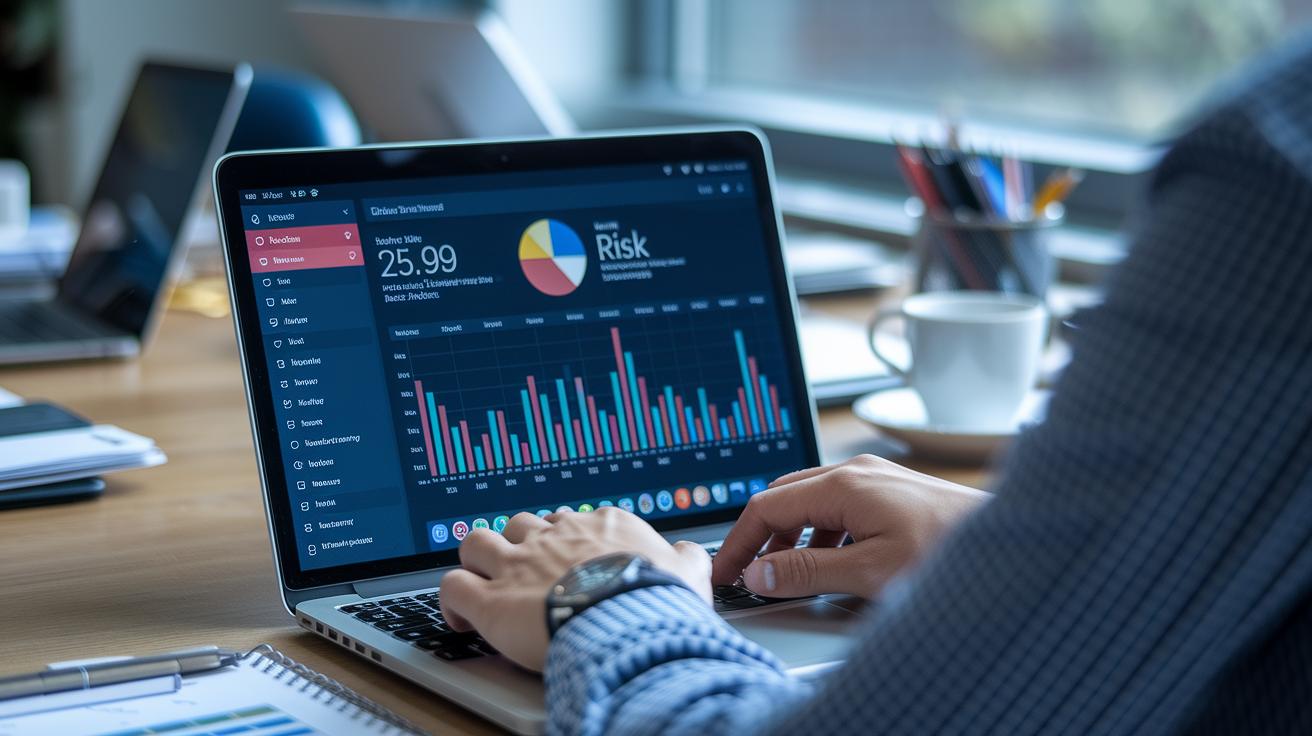


Ever wonder if your business has a strong safety net? Risk management tools work like a handy toolbox that catches problems before they grow. They keep an eye out for risks, create easy-to-read reports, and guide your next steps step-by-step.
These systems come with built-in templates and a design that feels friendly and simple to use. For example, think about tools like FlowForma’s AI copilot or Atlassian’s real-time tracking. They make it easy for anyone to keep things running smoothly.
This article shows you how these smart solutions can build lasting protection for your business.
Fundamental Overview of Risk Management Tools
Risk management tools include systems, software, and methods that help keep an eye on potential risks. They let you record what could go wrong, note who’s in charge, and outline steps to ease any bumps along the way.
Many of these tools come with built-in templates, like risk registers and assessment matrices, that make sure every risk gets noted and prioritized without fuss.
Take FlowForma’s Ambient Process Discovery Agent as an example. This no-code platform uses an AI copilot to offer clear insights without needing complex programming. It works great for both tech experts and those less familiar with coding. Plus, it smooths out your workflow by cutting down on manual data entry and keeping risk reports consistent.
Big names like Atlassian are also shaking things up. They provide tools such as Confluence for detailed risk documentation and Jira for tracking risks in real time. Together, these solutions build a strong safety net. Additional frameworks and third-party checks even integrate with your current systems, giving you options, be it commercial software or open source, that fit your industry needs and keep you on the right side of regulations.
By mixing user-friendly templates, no-code tools, and smart integrations, organizations can confidently manage risks and meet regulatory standards. This approach helps keep operations on track and builds long-term stability, driving success and making companies more competitive in the market.
risk management tools: Leading Software Solutions

Finding the right risk management software is a lot like having a toolbox filled with smart tools. These tools help you spot cyber threats, keep an eye on your vendors, check application security, analyze financial risks, and monitor company policies, all without a fuss. You want fast, real-time data, options to personalize the tool, clear reports, room to grow, and smooth blending with what you already use. Every platform has its own charm, from flawless data transfer to top-notch regulatory tracking.
Let’s take a look at five platforms that really stand out. FlowForma brings a no-code AI helper that gives live insights and meets strict requirements. Nintex makes risk tracking easier with automated workflows and custom reports that catch issues as they come up. Kissflow impresses with its easy-to-use dashboards and quick setup, making it perfect for teams just starting out with risk monitoring. Appian is great for managing detailed cases and has flexible ways to plug risk data into your existing tools. And CyberSaint focuses on digital threats with constant monitoring, ensuring potential issues are spotted early.
| Tool | Key Feature | Ideal Use Case |
|---|---|---|
| FlowForma | No-code AI helper, live insights, strict compliance | For organizations that need a simple yet powerful tool to watch over risks |
| Nintex | Workflow automation, custom reporting | When detailed documentation and smooth processes are essential |
| Kissflow | Easy-to-use dashboards, quick setup | For teams looking for a straightforward, fast-to-deploy risk tracker |
| Appian | Case management, flexible integration options | For enterprises wanting to blend risk data into larger business systems |
| CyberSaint | Focus on cyber risks, continuous monitoring | For organizations that need ongoing checks on digital threats |
This clear comparison makes it easier to choose the tool that fits your risk management needs best.
Core Risk Management Frameworks and Methodologies
Building strong risk management starts with clear, structured methods. These methods help you break down complicated risks into simple, everyday parts, making it easier to spot and handle potential problems. Here are six straightforward steps to track, record, and assess risks using scenario planning and forecasting techniques:
-
Risk register template for centralized risk logs
This method means keeping one big list of all your risks. Picture jotting down every potential hiccup in one notebook with important details like its impact and who is responsible. -
RAID log (Risks, Assumptions, Issues, Decisions)
With the RAID log, you not only record risks but also note the assumptions, emerging issues, and decisions as they come up. It gives you a complete picture of all the factors affecting your project. -
Risk breakdown structure (RBS) for hierarchical risk view
Think of this like a tree diagram that organizes risks into different layers. It makes it simple to see which areas need a bit more attention. -
Root cause analysis to identify underlying factors
This approach digs deeper to find out why risks happen in the first place. By understanding the root causes, you can fix the real problems rather than just treating the symptoms. -
SWOT analysis for strategic risk positioning
SWOT analysis helps you list strengths, weaknesses, opportunities, and threats. It’s like mapping out your risks within a larger strategy so you can see where they fit in the bigger picture. -
Probability and impact matrix for prioritization based on severity
This tool combines the chance of a risk occurring with its potential effect. It helps you decide which risks to deal with first and how to allocate your resources wisely.
Industry-Specific Risk Management Tools and Use Cases

Financial Sector Solutions
Finance teams get a real boost from tools like the trading exposure evaluator and capital exposure metrics. They help measure market risks and credit risks in a clear, straightforward way, almost like getting a quick snapshot of the trading floor to see every little shift in volume. This setup makes risk assessments more efficient and helps spot trends before they impact treasury operations. Ever wonder how a tiny change can ripple through the market?
Healthcare Safety Systems
In the healthcare world, incident response protocols teamed up with medical incident trackers create a central system for managing clinical safety events. When a safety alert goes off, these tools quickly record the incident and send out the right response. Imagine a nurse getting an immediate alert on their tablet, that real-time notification speeds up responses in critical moments and ensures patient safety stays front and center while keeping records up to date.
Construction and Manufacturing Platforms
On construction sites and in manufacturing, keeping safety in check is vital. Tools like construction hazard mitigation plans and project hazard logs, backed by vendor due diligence checklists, lay out clear safety steps for everyone. Picture an engineer going over a thorough checklist before kicking off a project, this careful approach lessens unexpected issues and ensures the project keeps moving smoothly with fewer delays.
Supply Chain Risk Tools
Supply chains often face sudden shocks that can disrupt operations. Disruption models and supplier oversight systems help managers spot these issues early. For example, a logistics manager might check a real-time disruption model to see which supplier networks can weather a sudden market shift. This smart, proactive step keeps the entire supply chain strong, preventing delays and ensuring smooth operations.
Best Practices for Implementing Risk Management Tools
Start by defining your risk taxonomy and governance roles. This means listing out every risk type and choosing teams or individuals to keep an eye on each one. Think of it like drawing up a game plan where every player understands their role.
Next, set up dashboards and reports that show your business’s exposure in real time. It’s like checking the steady pulse of your company, one quick glance tells you the trend. And don’t forget to tie your risk tool into your ERP or CRM systems, so data flows smoothly between your teams.
- Define risk taxonomy and governance roles
- Configure analytics dashboards and reporting
- Integrate the tool with ERP/CRM systems
- Assign clear risk owners and set alert thresholds
- Provide end-user training and clear documentation
- Schedule regular reviews and updates
Remember, giving someone clear ownership and setting up alert thresholds helps teams react immediately when a risk appears. Training and good documentation make the tool feel like a natural part of your workday. You might even find success with a smooth Confluence-Jira integration, which supports shared documentation and automated tracking. Finally, regular check-ins keep your setup fresh and your response plan ready for any bumps along the road.
Pricing Models and Trade-Offs of Risk Management Solutions

Risk management tools come in different pricing styles. Many companies offer a subscription plan where you pay regularly and get updates, help, and a solution that grows with you. For instance, platforms like FlowForma and palisade hazard analytics follow this model, giving you steady, predictable costs along with useful analytics and compliance features.
Some providers charge based on the number of users. In this per-user model, you pay for each person who accesses the system. Tools such as Nintex and Kissflow use this approach. It works well for smaller teams who need tailored access, but costs can add up if your team grows.
There are also open-source options, like the free risk software from SimpleRisk. These solutions might lower your initial costs, but they often need a bit more effort when it comes to customizing or fitting them into your current systems.
When you’re choosing a model, think hard about what matters most to you, customization, automation, the level of support, or overall cost. Is paying a little more upfront worth smoother automation or better help? Weigh these factors to pick a plan that truly matches your strategic risk management needs.
Case Studies Demonstrating Risk Management Tools in Action
Imagine a financial firm that started using Archer to handle its operational risks all in one place. With everything centralized, they managed to speed up solving incidents by 30%. This meant teams could quickly pinpoint and fix emerging problems, and management got the answers they needed sooner, cutting down on downtime during busy times.
Then there's the story of an infrastructure company that turned to FlowForma's AI Copilot. By automating how they spotted hazards, they cut detection and reporting time by 40%. This shift not only made reports more accurate but also freed up teams to focus on tackling risks before they grew. As a result, they moved away from slow, manual reviews toward more proactive risk checks.
Both examples show how smart risk management tools can offer clear benefits. Companies get a much clearer picture of their risk exposure and can respond faster. In short, tracking risks accurately helps create better plans, keep financial surprises at bay, and build stronger, more resilient businesses.
Final Words
In the action, risk management tools help identify, assess, and track potential risks. We explored key systems like FlowForma and Atlassian products that bring clarity and real-time monitoring to risk evaluation. Simple frameworks such as risk registers, RAID logs, and probability matrices make it easier to manage uncertainty. Best practices show how tool integration and flexible pricing models support smart decision-making. Success stories underscore that a solid setup boosts efficiency. Moving forward, risk management tools can be a trusted ally in making informed, strategic financial decisions.
FAQ
Q: What are some examples of risk management tools available?
A: The examples of risk management tools include free resources, specialized PDFs, and handpicked selections such as lists showing 5 or 10 options. They help track risks in various settings like finance and projects.
Q: How do risk management tools serve industries like finance, trading, and project management?
A: The risk management tools in finance, trading, and project management support tracking and mitigation. They offer dashboards, templates, and real-time updates to monitor market changes, project risks, and operational issues.
Q: What are the 7 KPIs used for risk management?
A: The 7 KPIs in risk management refer to metrics like incident frequency, severity of impacts, overall risk exposure, mitigation effectiveness, compliance measures, response speed, and recovery performance.
Q: What is considered the most famous risk management tool?
A: The most famous risk management tool is often the risk register. It centralizes risk data, categorizes impacts, and assigns ownership to support clear tracking and proactive mitigation.
Q: What are the four key risk assessment tools?
A: The four key risk assessment tools include the risk register, probability and impact matrix, root cause analysis, and SWOT analysis. They assist in prioritizing risks based on likelihood and potential damage.
Q: What are the five basic techniques of risk management?
A: The five basic techniques involve risk avoidance, risk reduction, risk sharing, risk retention, and risk transfer. These methods provide clear strategies to handle potential threats effectively.
Q: What factors should organizations consider when choosing risk management software?
A: The choice of risk management software should consider integration features, real-time analytics, user-friendly dashboards, and compatibility with existing systems, all of which improve risk tracking and reporting.
Q: How does Gartner Risk Management guide organizations in choosing risk solutions?
A: Gartner Risk Management offers evaluations and industry insights that help organizations compare risk solutions on features, scalability, and fit within specific operational environments.